Changelog

Follow new updates and improvements to Rescue Hub.

Print a weekly view of your Training Calendar
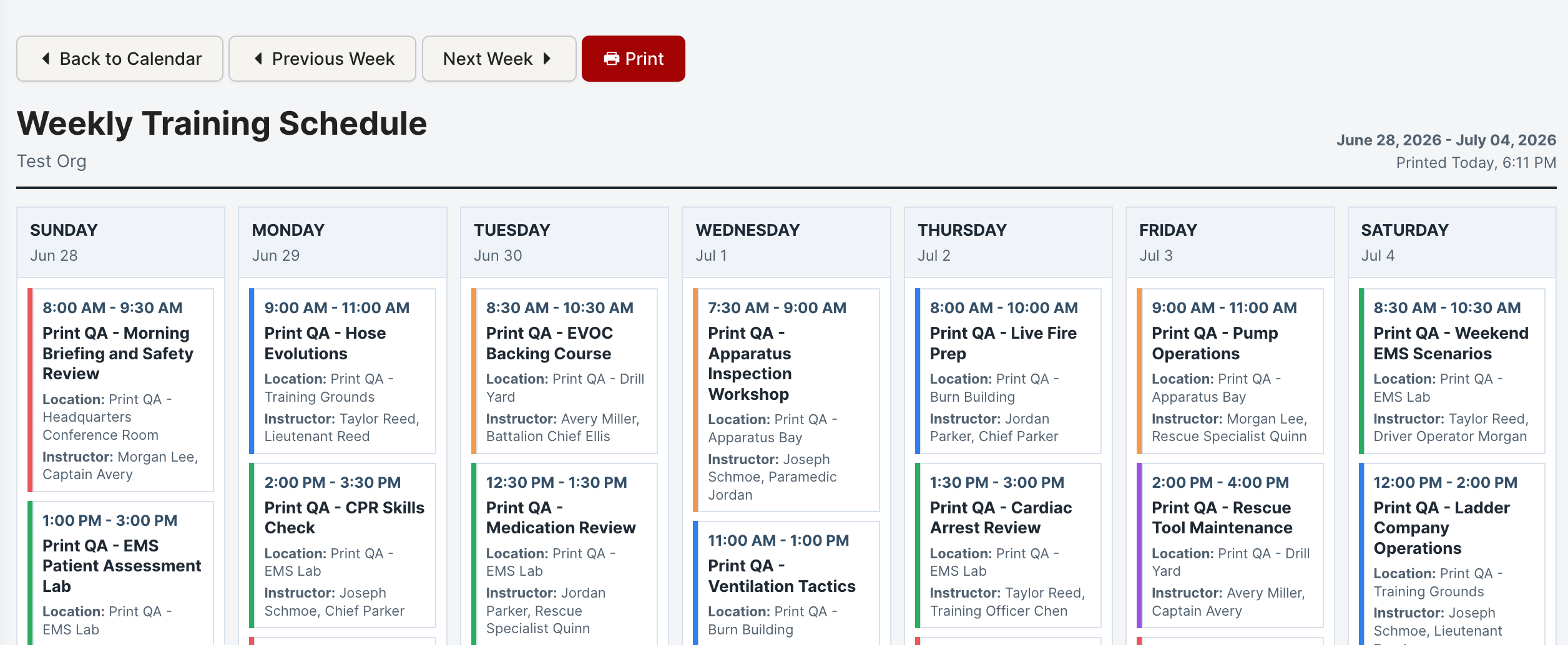
You can now print a clean, weekly view of your Training Calendar.

A new Print Week button in the Training Calendar header opens a print-friendly layout in a new tab, with:

  • Previous / next week navigation to pick exactly the week you need

  • Built-in print controls for a quick, tidy printout
New

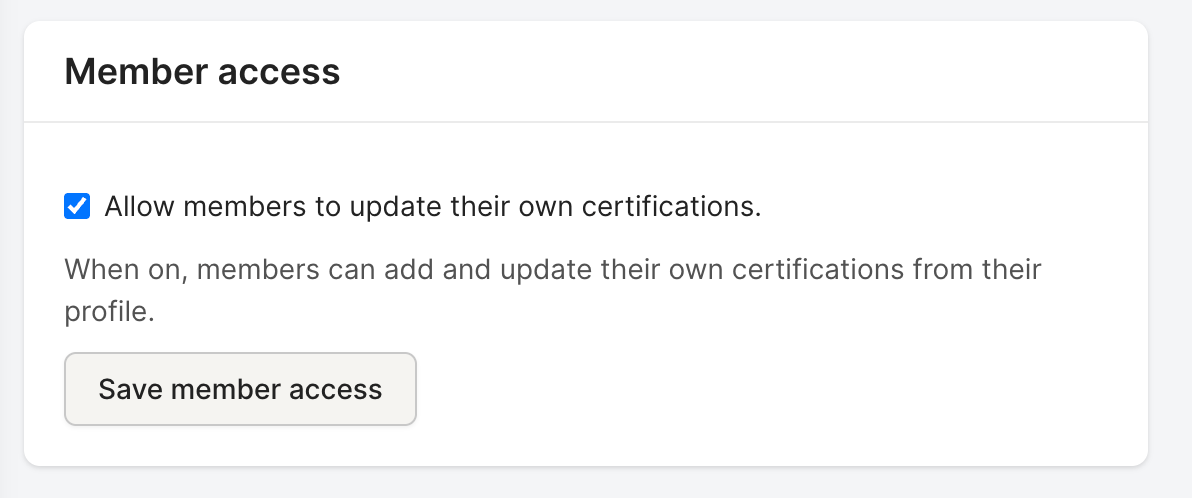
New setting: optionally let members manage their own certifications

Admins can now optionally let members maintain their own certification records. This is an opt-in setting that's off by default — nothing changes until an admin turns it on.

Turn on Member certification self-service from the Certification Types page. Once enabled, members can:

  • Add their own certifications

  • Edit their existing certifications

  • Renew certifications as they come up

Deleting certifications stays restricted to administrators and managers, so your records stay protected while members keep their own information current.

New

Refreshed look and feel + updated branding

Rescue Hub has a refreshed look across the application:

  • Modern design system. Cleaner typography, more breathing room, consistent buttons and form controls across every page.
  • Polished profile header and forms. The user profile is easier to scan, and forms look and behave consistently throughout the app.
  • New empty states. When a list is empty, you now see helpful guidance instead of a blank page.
  • Refreshed messaging. Message threads are easier to read and reply to.
  • Updated branding. Rescue Hub is now operated by Rescue Hub LLC (formerly Dropkick Studios). Same product, refreshed identity.

View full changelog

New

Earlier updates